Guides
Resize photos, choose a file format, and fix common upload problems.
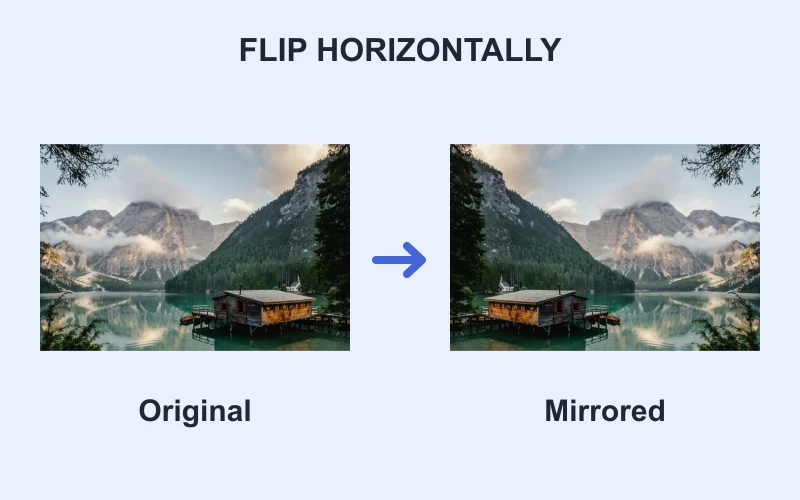
Photo edits
How to flip an image horizontally or vertically
Learn how to flip a photo horizontally or vertically, check mirrored text, and download a separate copy in JPG, PNG or WebP.
Read guide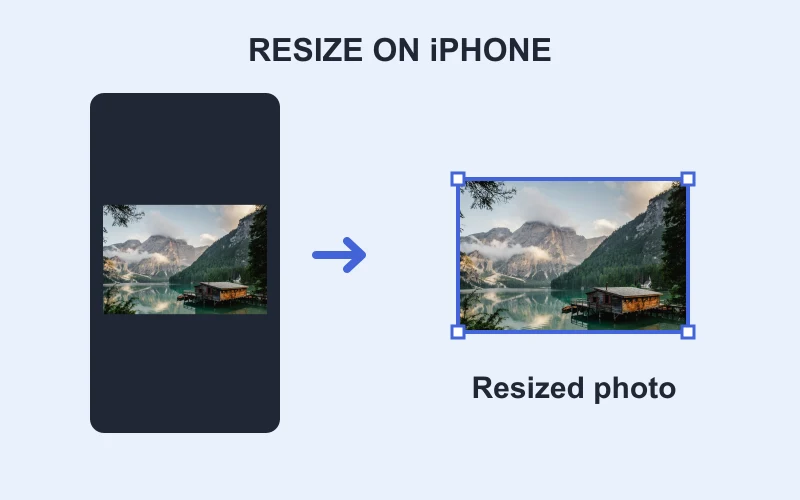
Size & framing
How to resize an image on iPhone
Resize a photo on iPhone in your browser. Set pixel dimensions, choose fit or crop, and learn when a form needs compression as well.
Read guide
File formats
How to convert PNG to JPG
Convert PNG to JPG, choose the background for transparent pixels, and check text quality before downloading your JPEG file.
Read guide
File formats
How to save WebP as JPG
Save a static WebP image as JPG with a browser converter. Choose quality and a background color without changing pixel dimensions.
Read guide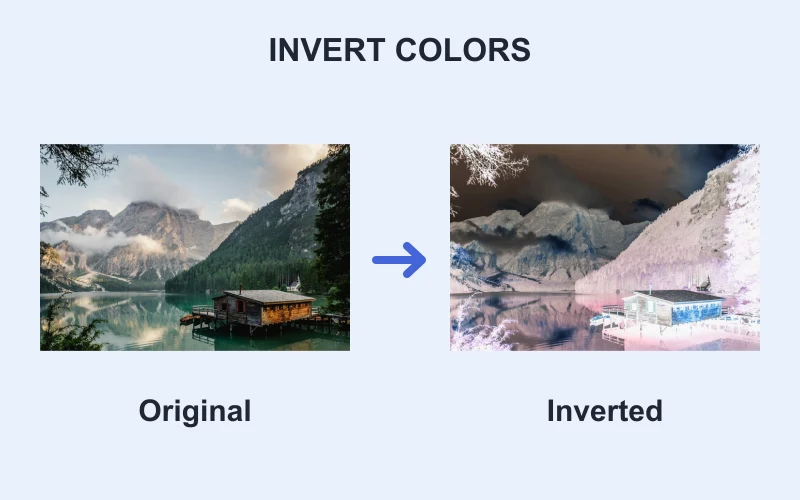
Photo edits
How to invert image colors on iPhone
Invert image colors on iPhone in your browser. Download the edited picture and learn how inversion differs from grayscale and display settings.
Read guide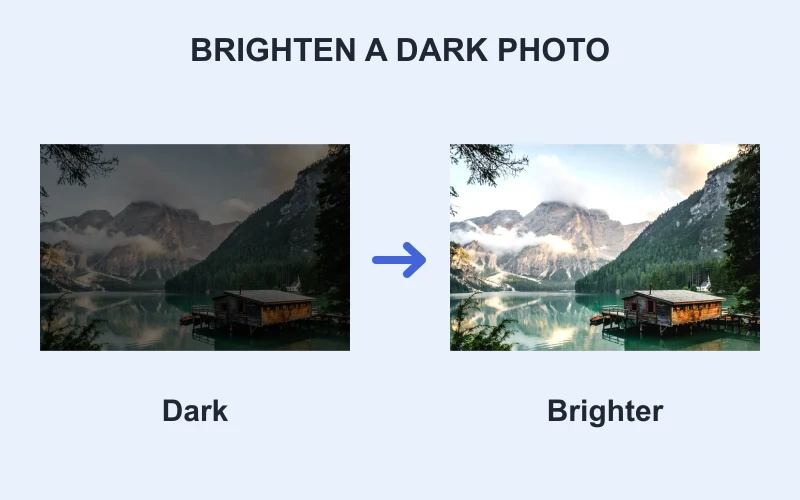
Photo edits
How to brighten a dark photo
Brighten a dark photo gradually, protect visible highlight detail, and learn when shadows or contrast controls are more useful.
Read guide
File formats
How to convert WebP to PNG
Convert static WebP to PNG while retaining existing transparency. Learn why the result can be larger and cannot restore lost detail.
Read guide
File formats
How to convert JPG to PNG
Convert JPG to PNG without changing pixel dimensions. Learn why conversion keeps the background and does not repair JPG artifacts.
Read guide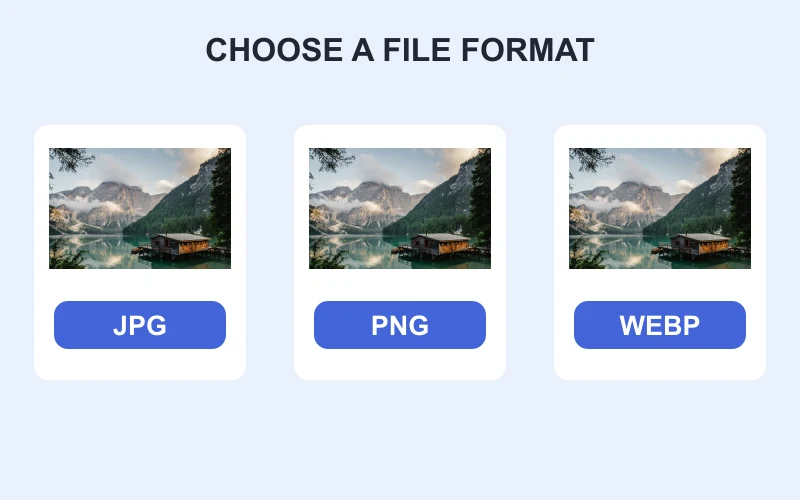
File formats
JPG vs PNG vs WebP: which should you use?
Compare JPG, PNG and WebP for photos, screenshots and transparent graphics. Choose based on quality, compatibility and actual file size.
Read guide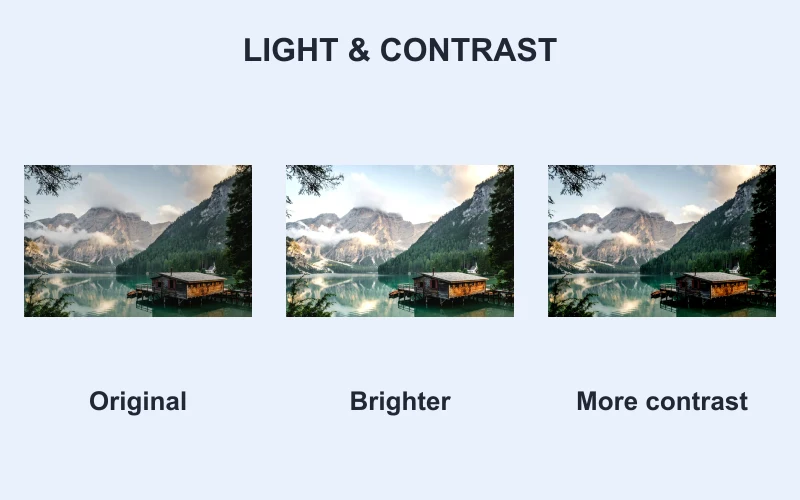
Photo edits
How to adjust photo brightness and contrast
Adjust photo brightness and contrast in your browser. Check highlights and shadows and understand the limits of editing a finished image.
Read guide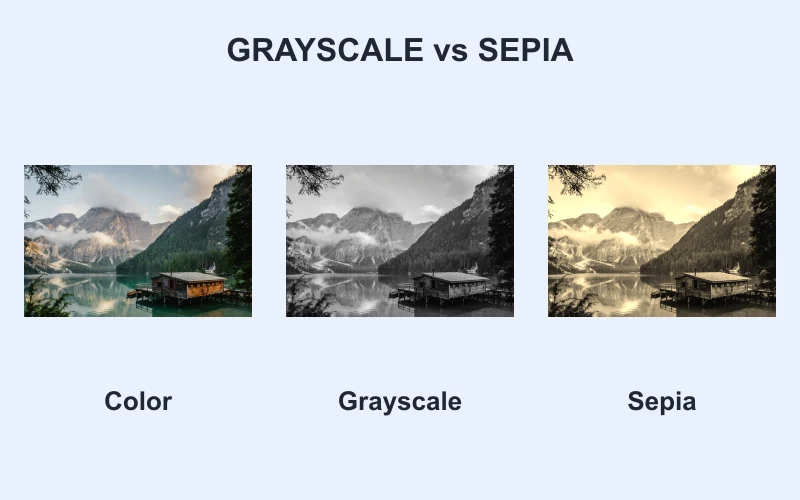
Photo edits
Grayscale vs sepia: how to choose a photo effect
Compare grayscale and sepia photo effects, check which details survive, and learn why inversion produces a different result.
Read guide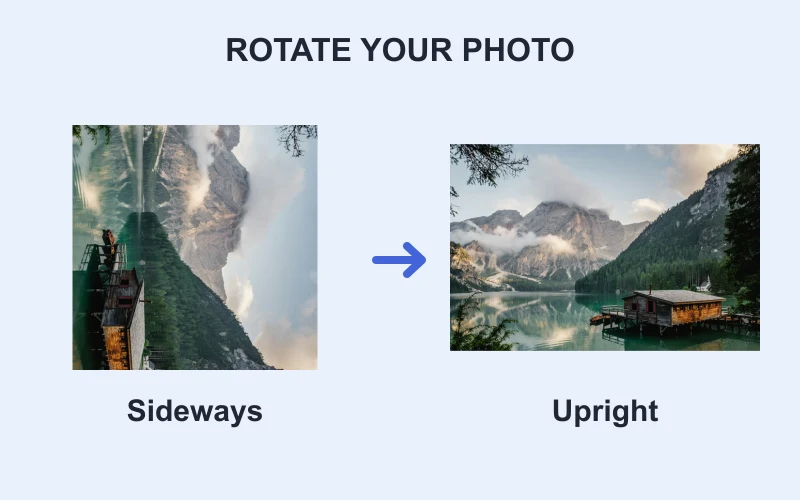
Photo edits
How to rotate an image by 90 or 180 degrees
Rotate a sideways or upside-down image by 90 or 180 degrees. Check its orientation and download a copy without cropping the picture.
Read guide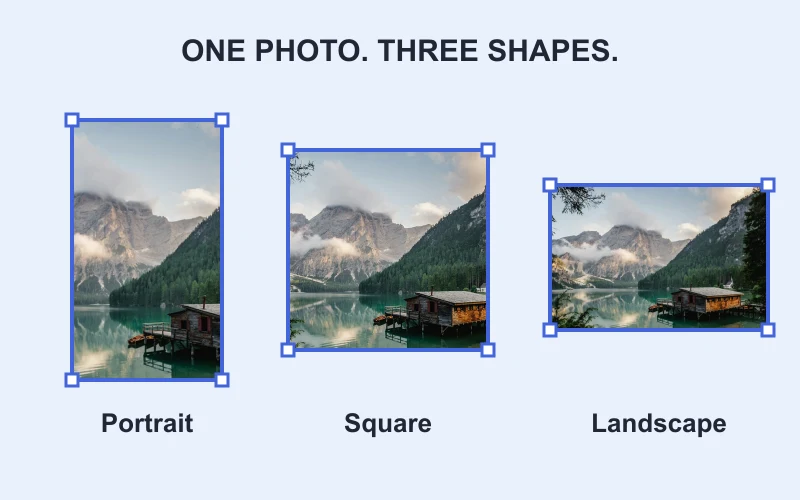
Size & framing
Image aspect ratios explained
Compare square, portrait, and landscape ratios with matching pixel dimensions.
Read guide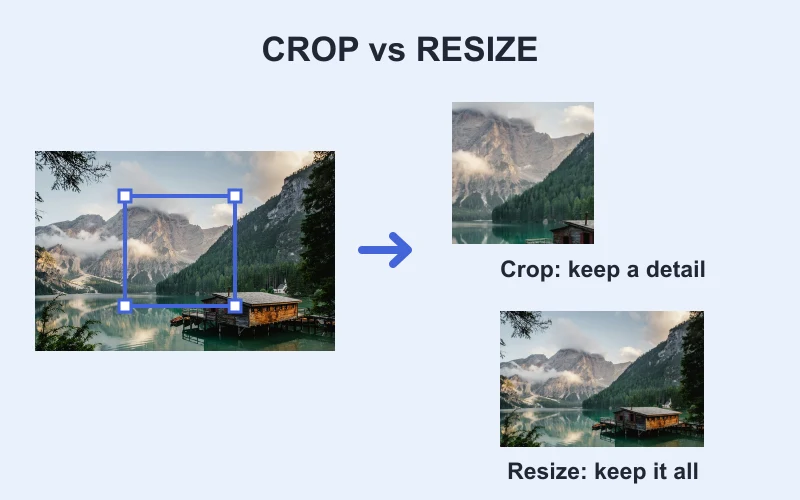
Size & framing
Cropping vs resizing images
Learn which action changes the visible frame and which changes pixel dimensions.
Read guide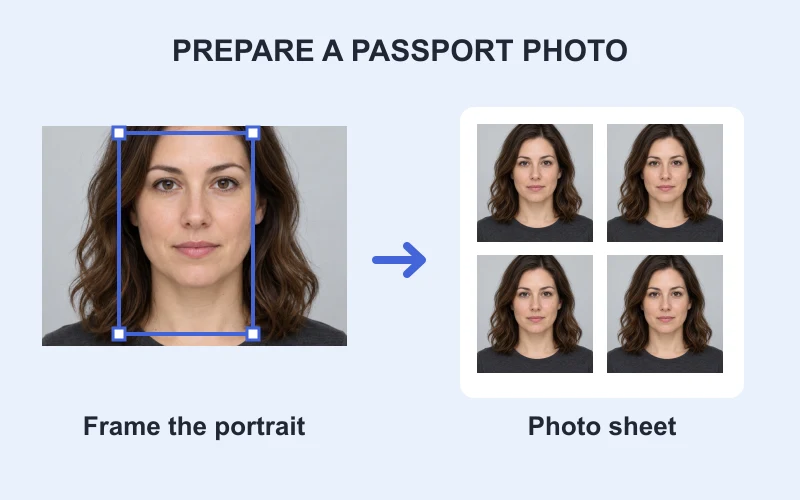
Size & framing
How to make a passport-size photo
Check official requirements, crop the photo, and resize it without assuming one size works everywhere.
Read guide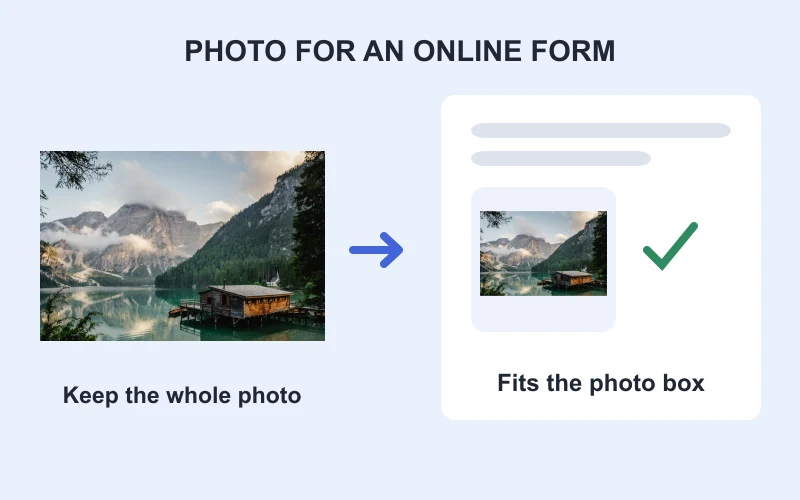
Size & framing
How to resize a photo for an online form
Match a form's wording to resize, crop, fit, or compress the image.
Read guide