Bulk image tools
Working with multiple images? Choose a tool to apply the same task to a group of photos, review each result, and download the files you need.
Choose a bulk image tool

Bulk Image Resizer
Resize multiple JPG, PNG, and WebP images to shared dimensions or a percentage.
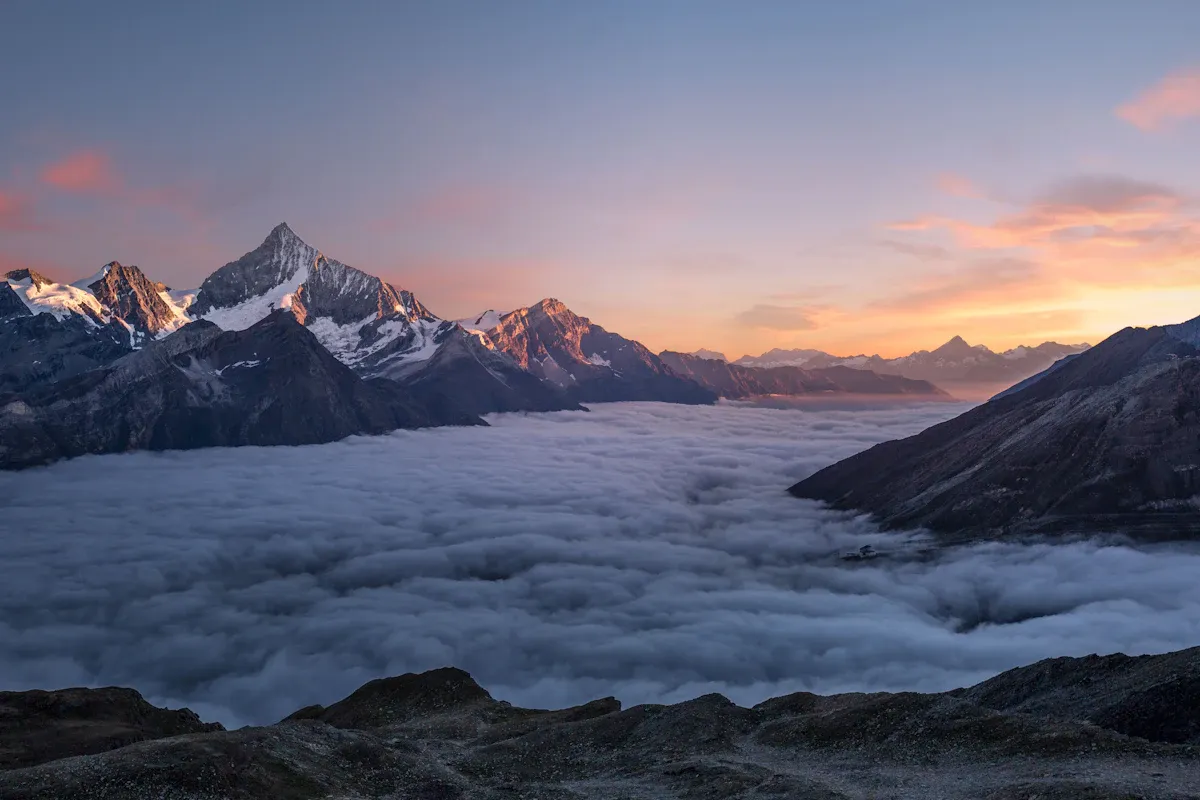
Bulk Image Compressor
Compress multiple JPG, PNG, and WebP images to a target file size.
Bulk Image Converter
Convert HEIC, JPG, PNG, and WebP images to one shared output format.
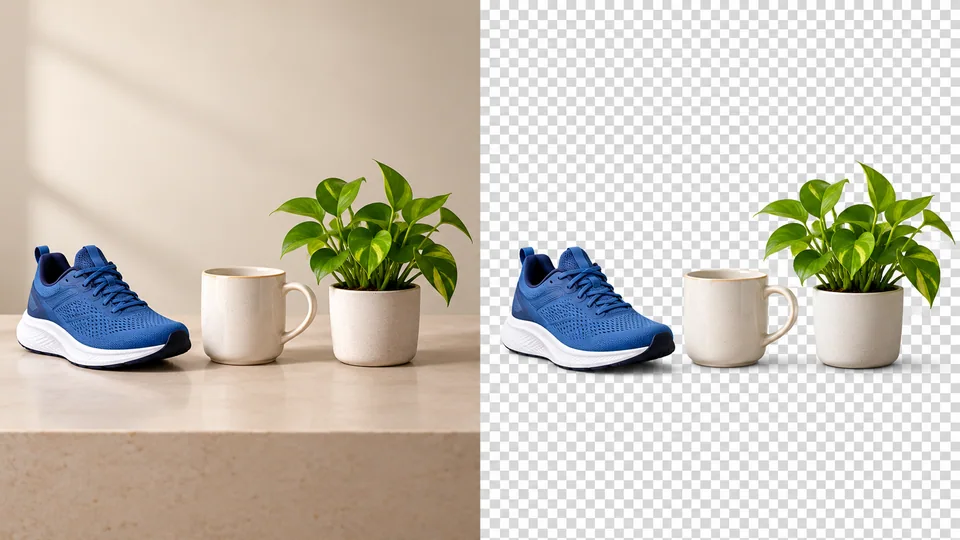
Bulk Background Remover
Remove backgrounds from multiple photos, review previews, and download your results.
Choose the right tool for your batch
Use resizing for shared pixel dimensions, compression for smaller file sizes, and conversion for a shared image format. These edits run in your browser. The first five eligible ordinary images are free; larger jobs and bulk HEIC conversion use credits. Each tool shows its file limits and any credit cost before processing.
Removing backgrounds from multiple photos
Bulk background removal uploads photos securely for AI processing and runs them one at a time. Review free resized previews before downloading eligible original-size results. Each successful eligible HD result uses one credit. Uploaded photos are automatically removed within 24 hours.
Review and download your results
A failed image does not remove completed results from the others. Browser tools offer individual downloads or a ZIP. Background removal offers a ZIP of completed previews, with HD results downloaded individually. Keep the tool page open until processing and downloads finish.